



enter Your Hours

Time and Billing Software for IT Operations

A billing system your firm actually adopts, and you don’t have to babysit.

Every New System Is a New Set of Tickets

You get blamed for tools other people choose. EYH keeps data flowing to your systems and puts access control in configuration, not custom work.

Double Entry Between Systems

Native syncs move invoices, payments, customers, and worklogs between EYH and your accounting and project tools, no glue code to maintain.

Access Requests Never End

Reusable roles and team-based scoping mean onboarding, offboarding, and permission changes are configuration tasks, not tickets.

Users Break What They Can Touch

Required fields, validation, and per-role visibility keep users inside guardrails, so bad data and exposure stop being your cleanup job.

Why IT Operations Use EYH for Time and Billing

QuickBooks and
Jira Integrations

Sync customers, items, invoices, and payments with QuickBooks Desktop, and import Jira worklogs as reviewable entries with saved mappings. Data moves on schedule without custom scripts to maintain.

Permissions Down
to the Detail

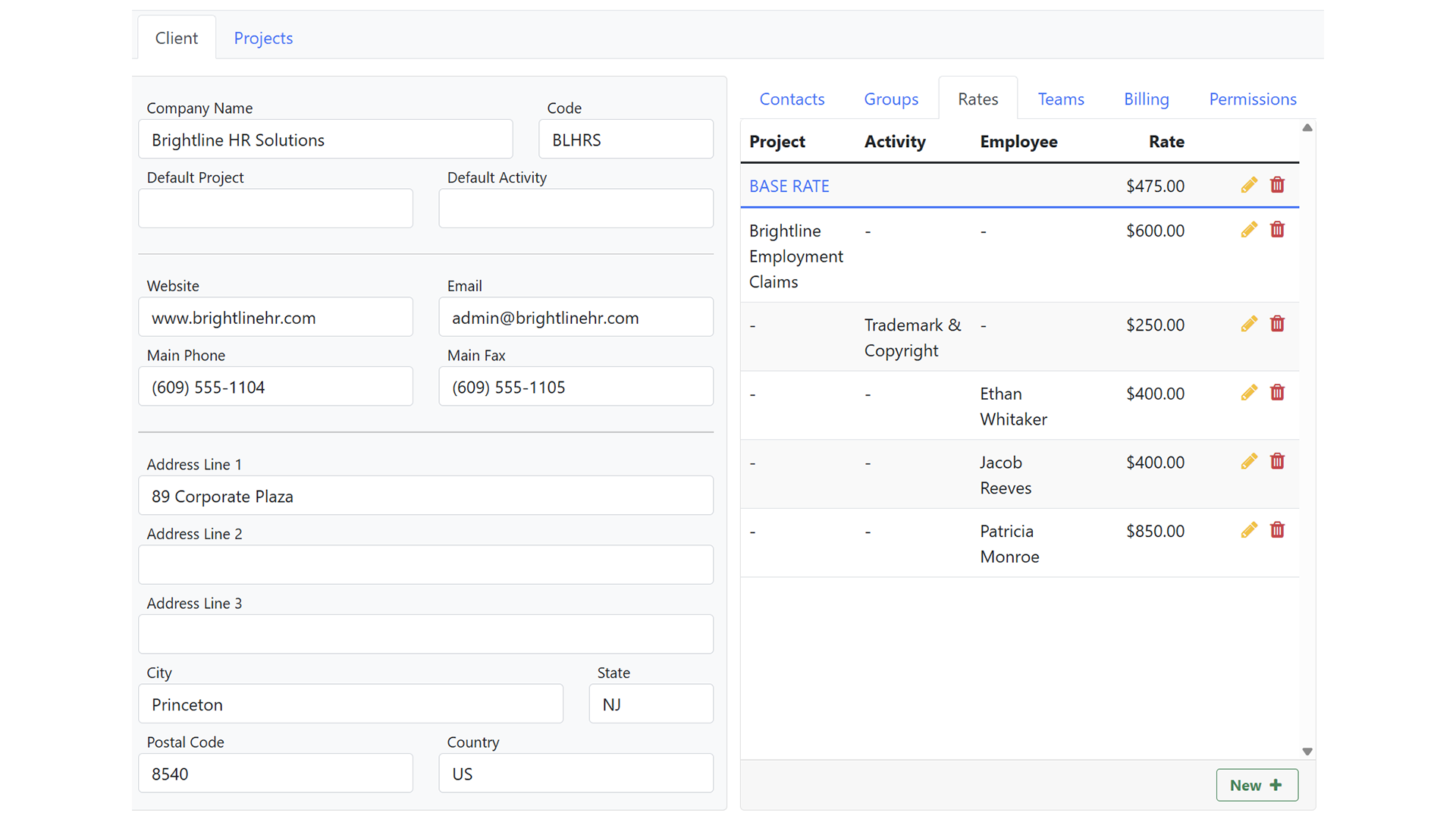
Build reusable roles from granular General, Integration, and Time & Sales permissions, then scope further with teams tied to clients and projects. Least-privilege is a setting, not a project.

Guardrails on
Data Entry

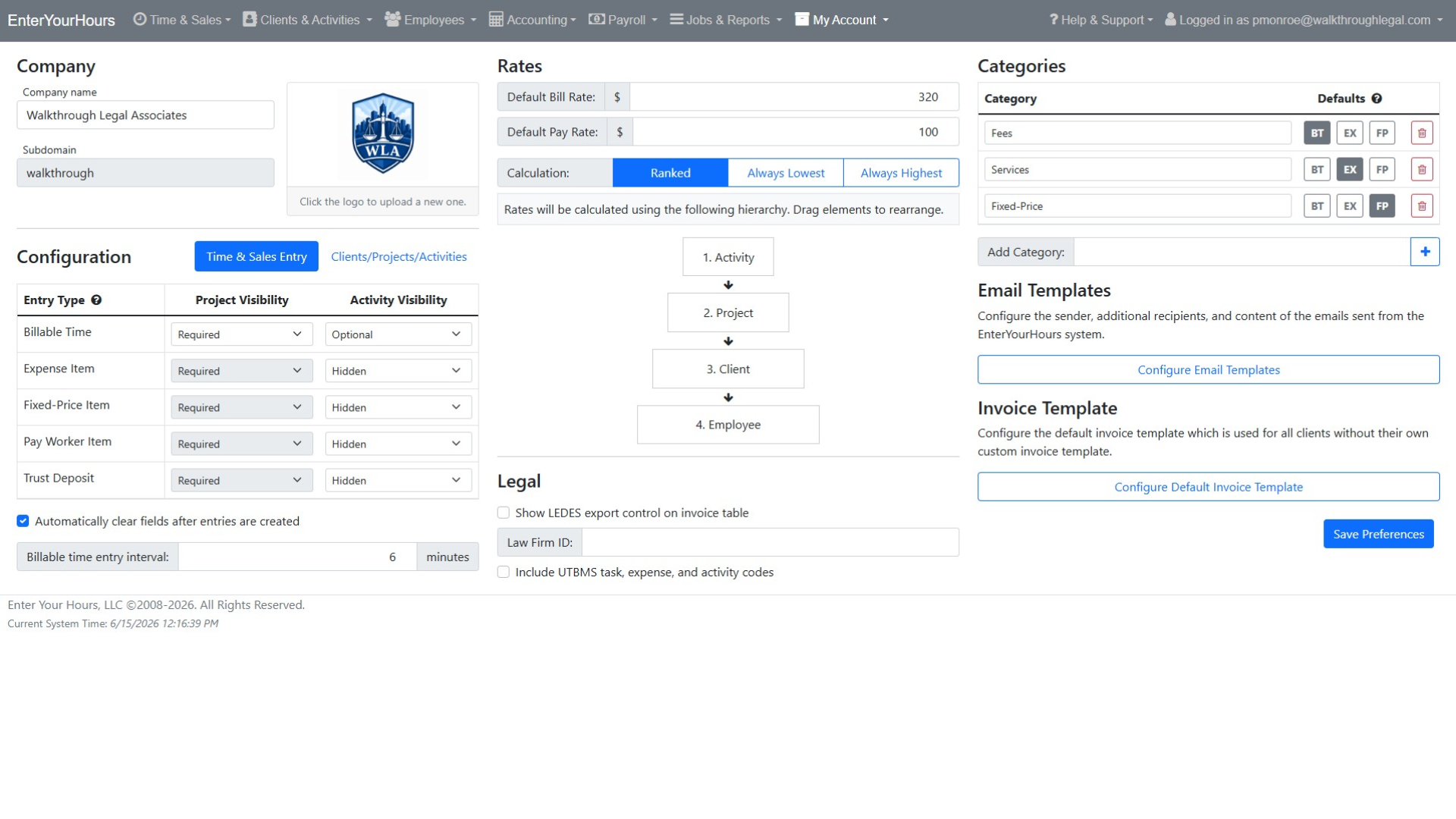
Set required fields by entry type, restrict which activities apply where, and let the time entry software reject incomplete data at the source. Clean data in, fewer downstream fixes.

SmartAttach
Email Intake

Each instance gets its own email endpoint where inbound documents queue for approval, with subject-line rules pre-assigning them to the right record. It works with the mail you already run.

A System You Won't Have to Babysit

You’ve inherited enough tools that create tickets. EYH is time entry software with native QuickBooks and Jira syncs, role-based permissions, and validation at the source, so adoption stays high, data stays clean, and access control is a setting, not a project.

Powerful Time Tracking & Billing Features

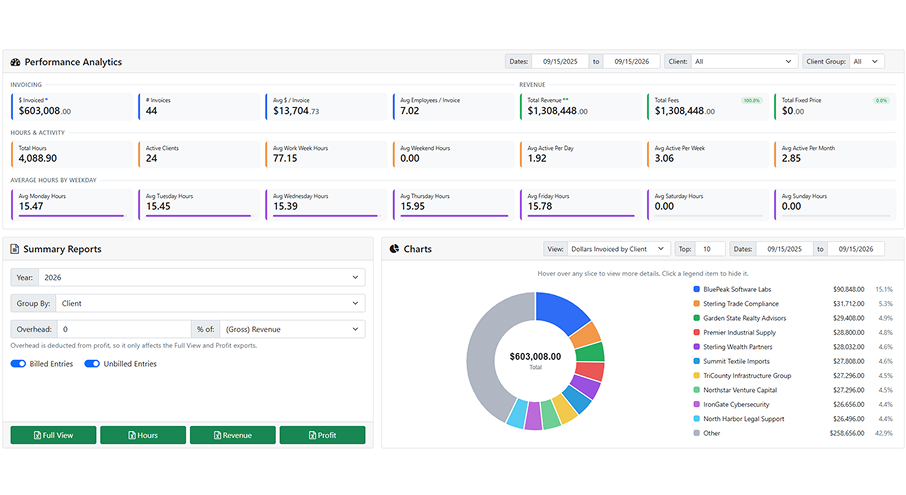
Enter Your Hours combines intelligent time tracking, billing automation, invoicing, reporting, and workflow management into one centralized platform for professional services firms.

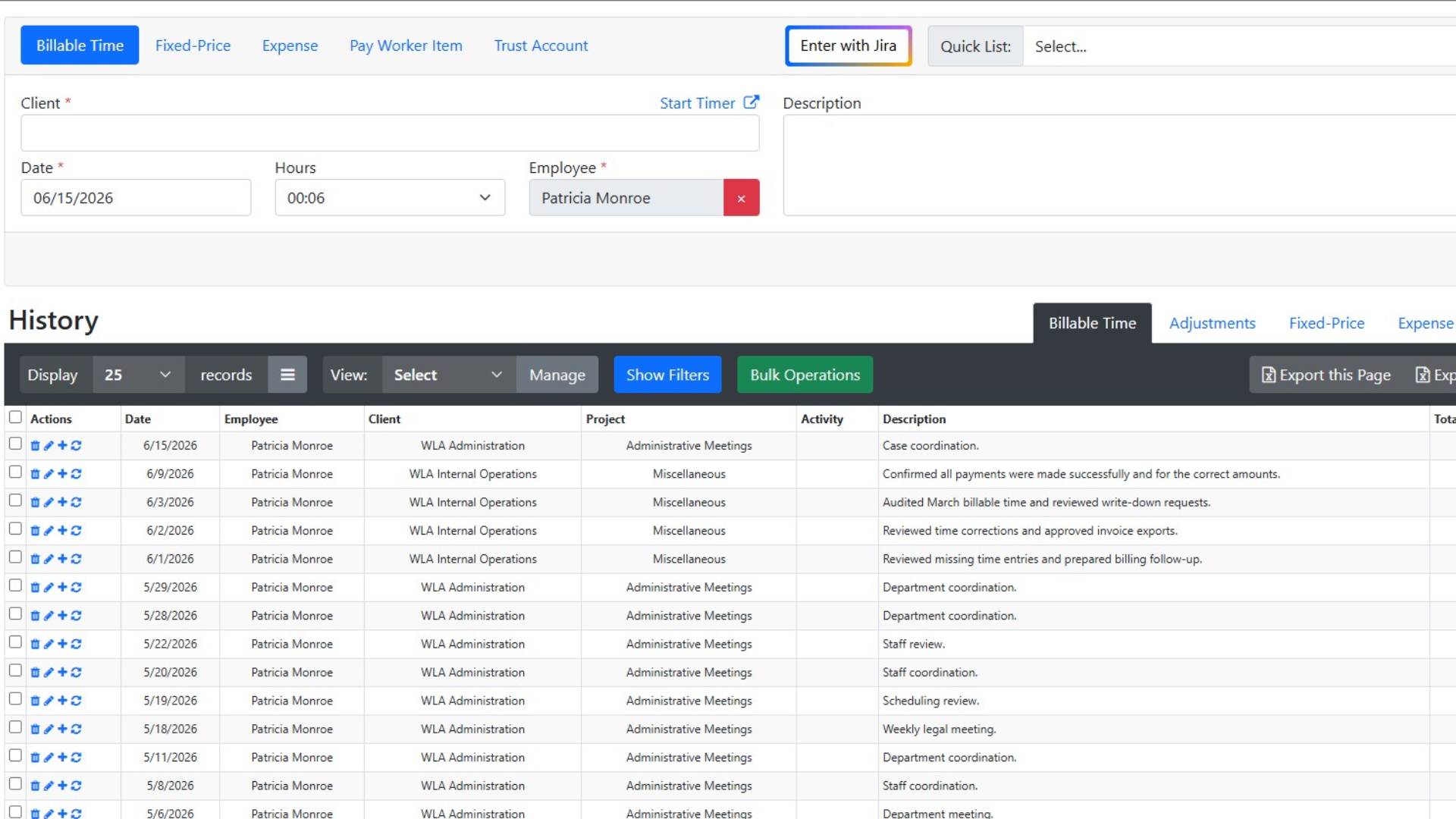
Track billable and non-billable hours quickly with a streamlined time entry experience. Use recurring entries, or leverage AI-assisted workflows to improve accuracy and reduce missed billable hours.
Simple, Transparent Pricing

Choose the perfect plan for your business needs.

$0 per employee / yr FREE

Up to 3 employees

Save 12%

$24.64 per employee / mo (paid yearly) PREMIUM

Everything in Free, plus:

Save 12%

$46.64 per employee / mo (paid yearly) ENTERPRISE

Everything in Premium, plus:

Trusted by Firms Like Yours

Hear from professionals who’ve transformed their billing process with EnterYourHours.

Time Tracking & Billing FAQs

Get answers about features, integrations, security, pricing, and switching to EnterYourHours.

What do we have to install and maintain?

+

Nothing for the core product — EnterYourHours runs in the browser. The only local component is the QuickBooks Web Connector if you use the QuickBooks Desktop integration, which is a standard Intuit tool.

How granular is access control?

+

Permissions are split into General (administration, clients, employees, batches, invoices, payments, payroll, trust accounts), Integration (QuickBooks, Jira), and Time & Sales (view/enter/edit/adjust at none, own, team, or everyone). Roles are reusable, can be cloned as a starting point, and per-client overrides handle exceptions. Explore the tools we integrate with.

Is there an audit trail?

+

Yes. Client, project, and other records carry an Audits tab showing which user changed what and when. Batching and invoicing lock records so history can't drift after the fact.

Can we lock the system during a migration or incident?

+

Yes. Lock system down is a dedicated administrative permission that places EnterYourHours into a locked state. Automated jobs and integration credentials are also managed under separate permissions, so operational controls can be assigned without granting broad admin rights.

How can AI improve time tracking and billing?

+

AI can improve billing accuracy by identifying missing entries, unusual billing activity, incorrect assignments, description issues, and potential billing-rule violations before invoices are finalized. EnterYourHours also supports AI-assisted note generation and lets users ask plain-language questions about their billing data. This helps firms identify unbilled work, delayed entries, operational inefficiencies, and unprofitable work without manually building reports.

Can time and billing software organize invoices and supporting documents?

+

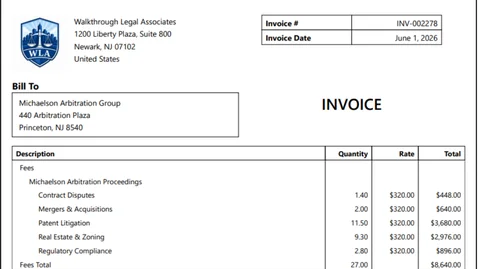
Yes. EnterYourHours includes SmartAttach document management to help firms organize invoices, billing records, client documents, and supporting materials securely. This keeps important documentation connected to the billing workflow and reduces the need to manage files across disconnected systems.

Will EnterYourHours be difficult for employees to learn?

+

EnterYourHours is designed to make everyday time tracking and billing tasks straightforward. Employees can quickly enter billable and non-billable time, use recurring entries, and access mobile-friendly workflows. Role-based permissions keep each user's experience focused on the tools and information needed for their responsibilities.

Is my billing data secure, and who owns it?

+

Yes. EnterYourHours encrypts your data in transit and at rest, isolates it by firm, maintains continuous backups, and protects access through role-based permissions and industry-standard security practices. Your firm owns all data stored in EnterYourHours, including client information, time entries, invoices, and payment history. You can export your data in standard formats at any time without an exit fee. Your data is never sold to third parties.

How difficult is it to switch from our current time and billing software?

+

EnterYourHours makes switching straightforward. Our onboarding team works with you to migrate your clients, projects, employees, rates, and open balances. We can also run your first billing cycle alongside your current system to help ensure nothing is missed during the transition. Most firms complete the switch within one billing cycle.

How much does EnterYourHours cost, and what is included in each plan?

+

EnterYourHours offers three per-user plans billed monthly or annually:

  • Free Plan: Free for up to three users. It includes time tracking, timers, reporting, and rate management but does not include invoice generation.
  • EnterYourHours Premium: $24.64 per user per month when billed annually. It includes everything in the Free Plan, plus complete invoicing, standard integrations, and all AI-powered features. It is designed to meet the needs of most firms.
  • EnterYourHours Enterprise: $46.64 per user per month when billed annually. It includes everything in Premium, plus advanced integrations and dedicated phone support for larger organizations that need deeper connectivity and direct assistance.

You can also change plans as your firm grows or its needs change. Click here to learn more.