


enter Your Hours

Time and Billing Software for Billing Administrators

You run the pipeline. EYH gives you the controls, the safety nets, and the receipts.

Billing Cycles Create Chaos

Every cycle ends with you responsible for hundreds of entries you didn’t write. EYH structures the chaos into a pipeline with checkpoints.

Chasing Hours Wastes Time

Automated reminders, required fields, and mid-cycle visibility surface incomplete entries early, while there’s still time to fix them.

Cleanup Consumes the Week

Fix misassigned entries across clients, projects, and dates in a few clicks, not one at a time, and keep the billing calendar on schedule.

Billing Mistakes Hurt Credibility

Layered review and automatic audits catch the embarrassing mistakes before the client does, so your name on the batch means something.

Why Billing Administrators Use EYH for Time and Billing

Sophisticated
Billing Pipeline

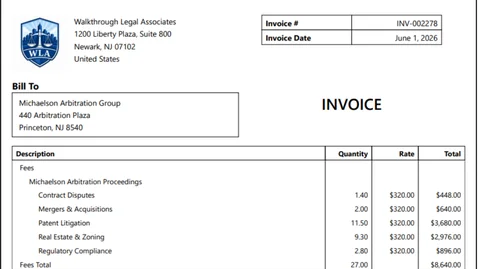
Invoice automation software with checkpoints prepare, batch, review, invoice, export, email. Batch totals follow every step, so nothing is billed twice or skipped.

AI Audit
Prevention Engine

Before invoices go out, AI billing software audits flag duplicate entries, wrong client assignments, project mismatches, description problems, and rule violations. You catch it in review, quietly.

Bulk Operations
for Cleanup

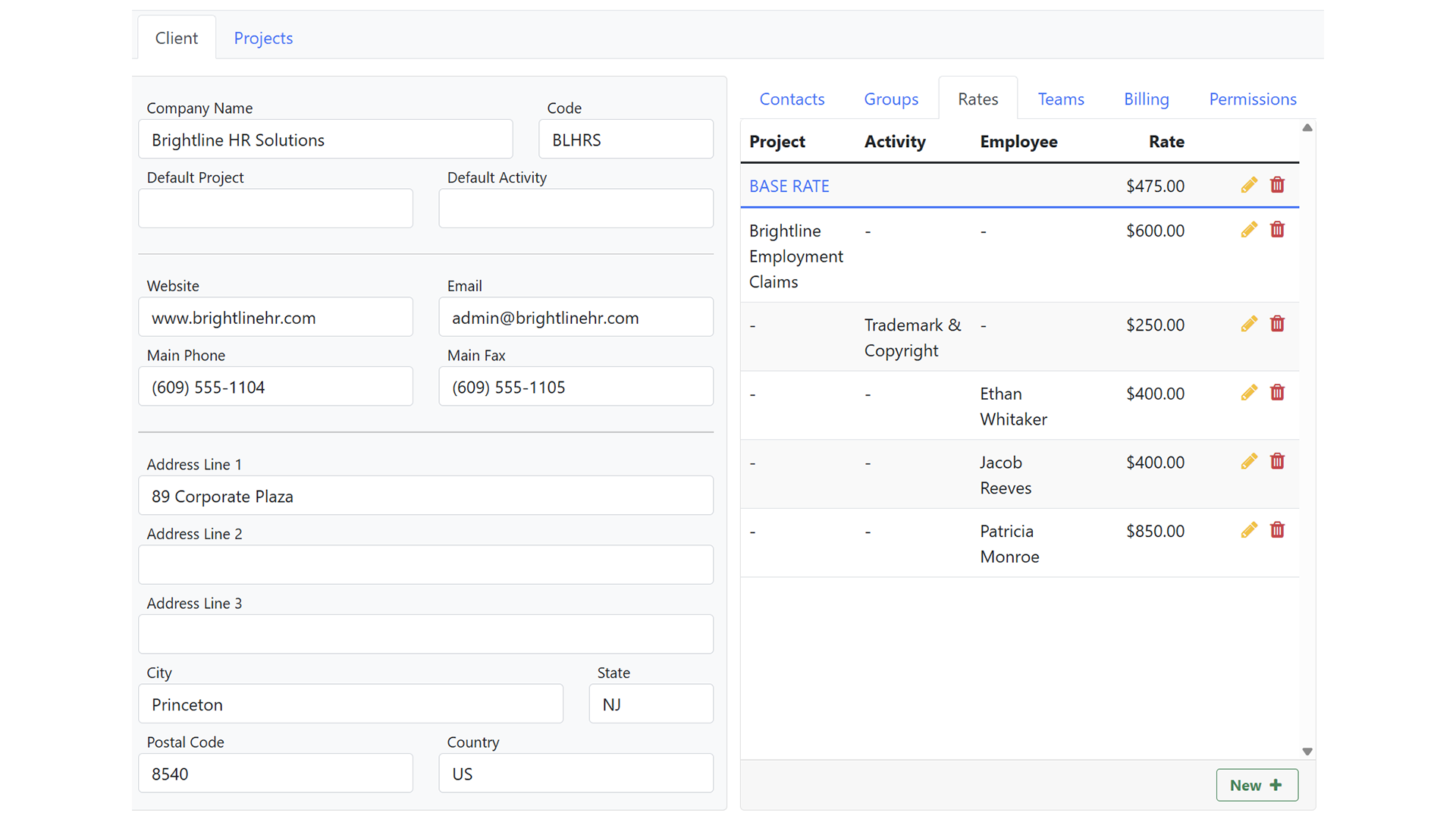
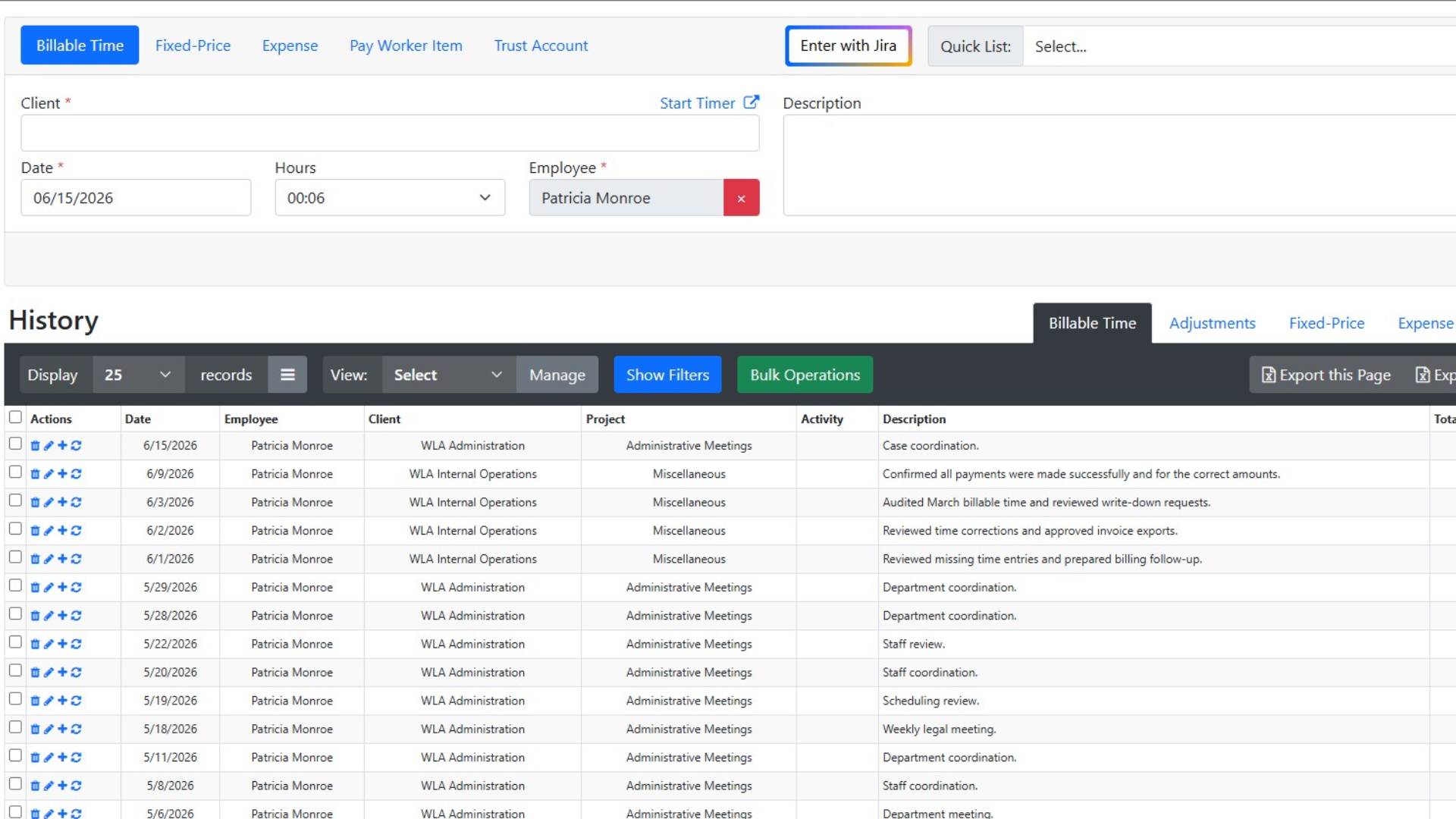
Select any set of entries and reassign client, project, activity, employee, or date in one action. End-of-cycle corrections that used to take an afternoon take minutes.

Client Balances
at a Glance

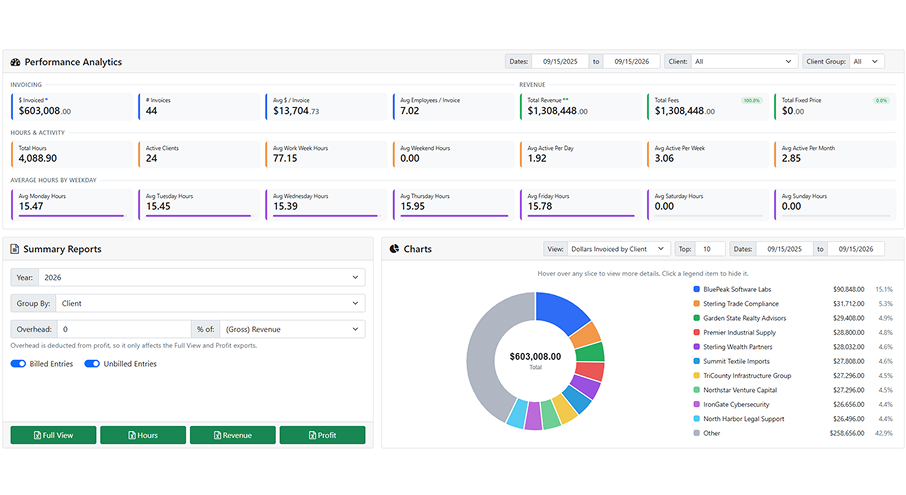
See unbatched, batched, invoiced, paid, and outstanding amounts for every client on one screen, and expand any row to the entries behind it. Answer “where’s the bill?” on the spot.

The Pipeline Answers to You

Every cycle, hundreds of entries you didn’t write become your responsibility. EYH is invoice automation software with checkpoints reminders, AI audits, bulk cleanup, and batch controls that keep mistakes in review, and your name off of bad invoices.

Powerful Time Tracking & Billing Features

Enter Your Hours combines intelligent time tracking, billing automation, invoicing, reporting, and workflow management into one centralized platform for professional services firms.

Track billable and non-billable hours quickly with a streamlined time entry experience. Use recurring entries, or leverage AI-assisted workflows to improve accuracy and reduce missed billable hours.
Simple, Transparent Pricing

Choose the perfect plan for your business needs.

$0 per employee / yr FREE

Up to 3 employees

Save 12%

$24.64 per employee / mo (paid yearly) PREMIUM

Everything in Free, plus:

Save 12%

$46.64 per employee / mo (paid yearly) ENTERPRISE

Everything in Premium, plus:

Trusted by Firms Like Yours

Hear from professionals who’ve transformed their billing process with EnterYourHours.

Time Tracking & Billing FAQs

Get answers about features, integrations, security, pricing, and switching to EnterYourHours.

How do I stop bad entries before they reach an invoice?

+

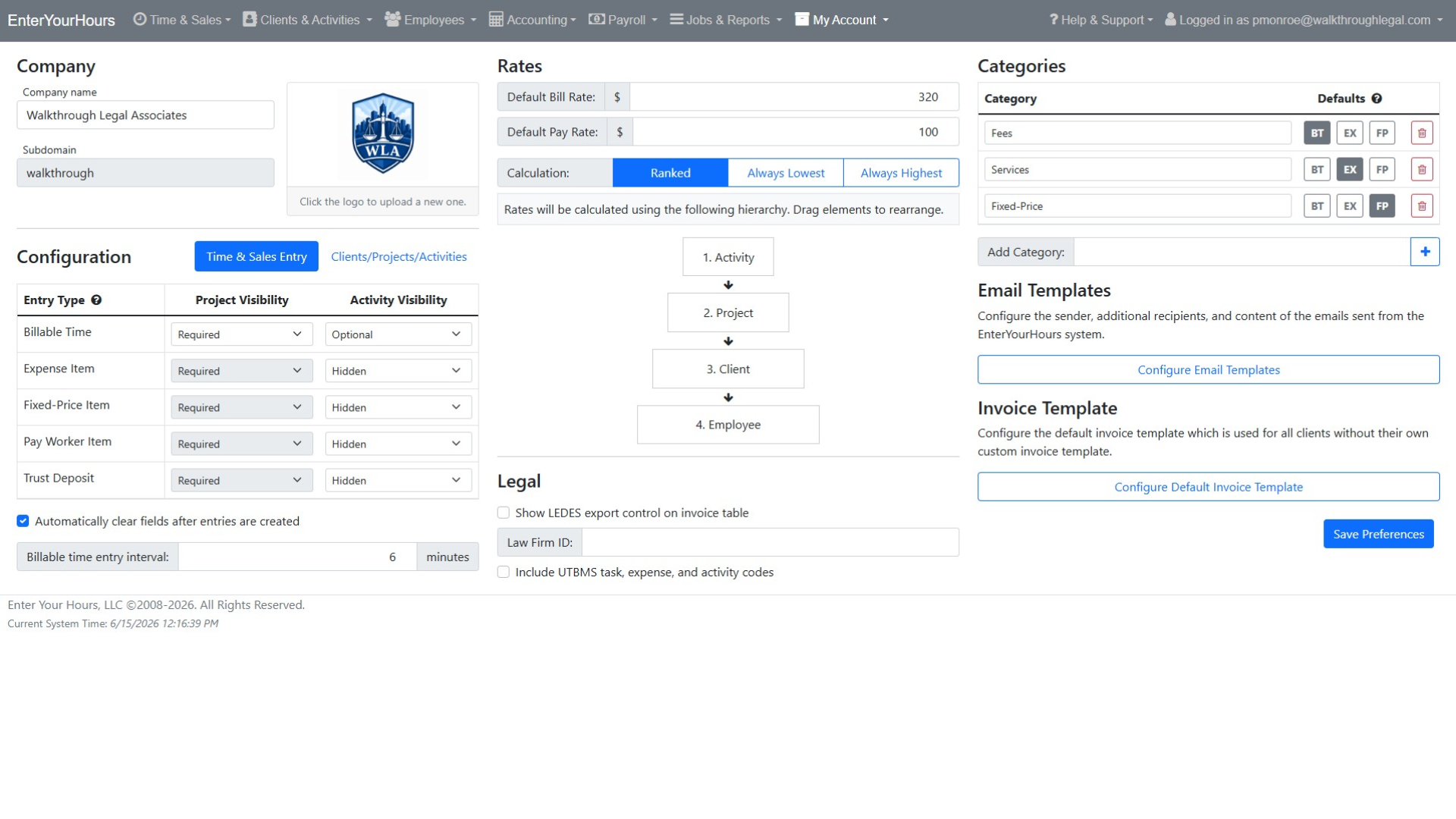
Entry requirements make fields mandatory by entry type and restrict which activities apply to which clients and projects, so incomplete or mismatched entries are rejected at entry. Bill batch review is the second checkpoint before anything is invoiced. AI-assisted validation adds a third, flagging problems such as duplicates when an invoice is created.

Can I fix a batch of entries without editing them one at a time?

+

Yes. Bulk operations in the history view let you select many entries and apply changes at once, and entries can be moved between bill batches or removed from a batch without deleting the underlying work.

Can I attach backup documentation to invoices?

+

Yes. SmartAttach lets you attach documents to entries, clients, projects, and invoices. At batching and invoicing you choose whether attached documents go out with the invoice, either as a standing setting or one-off per invoice.

How do I send invoices and record payments?

+

Invoices email directly from the Accounting Center to the client contacts flagged to receive billing emails, processed in the background so you keep working. Payments are entered against one or more invoices with applied amounts and remaining balances shown as you go.

How can AI improve time tracking and billing?

+

AI can improve billing accuracy by identifying missing entries, unusual billing activity, incorrect assignments, description issues, and potential billing-rule violations before invoices are finalized. EnterYourHours also supports AI-assisted note generation and lets users ask plain-language questions about their billing data. This helps firms identify unbilled work, delayed entries, operational inefficiencies, and unprofitable work without manually building reports.

Can time and billing software organize invoices and supporting documents?

+

Yes. EnterYourHours includes SmartAttach document management to help firms organize invoices, billing records, client documents, and supporting materials securely. This keeps important documentation connected to the billing workflow and reduces the need to manage files across disconnected systems.

Will EnterYourHours be difficult for employees to learn?

+

EnterYourHours is designed to make everyday time tracking and billing tasks straightforward. Employees can quickly enter billable and non-billable time, use recurring entries, and access mobile-friendly workflows. Role-based permissions keep each user's experience focused on the tools and information needed for their responsibilities.

Is my billing data secure, and who owns it?

+

Yes. EnterYourHours encrypts your data in transit and at rest, isolates it by firm, maintains continuous backups, and protects access through role-based permissions and industry-standard security practices. Your firm owns all data stored in EnterYourHours, including client information, time entries, invoices, and payment history. You can export your data in standard formats at any time without an exit fee. Your data is never sold to third parties.

How difficult is it to switch from our current time and billing software?

+

EnterYourHours makes switching straightforward. Our onboarding team works with you to migrate your clients, projects, employees, rates, and open balances. We can also run your first billing cycle alongside your current system to help ensure nothing is missed during the transition. Most firms complete the switch within one billing cycle.

How much does EnterYourHours cost, and what is included in each plan?

+

EnterYourHours offers three per-user plans billed monthly or annually:

  • Free Plan: Free for up to three users. It includes time tracking, timers, reporting, and rate management but does not include invoice generation.
  • EnterYourHours Premium: $24.64 per user per month when billed annually. It includes everything in the Free Plan, plus complete invoicing, standard integrations, and all AI-powered features. It is designed to meet the needs of most firms.
  • EnterYourHours Enterprise: $46.64 per user per month when billed annually. It includes everything in Premium, plus advanced integrations and dedicated phone support for larger organizations that need deeper connectivity and direct assistance.

You can also change plans as your firm grows or its needs change. Click here to learn more.