


enter Your Hours

Time And Billing Software For Contract
Research Organizations

Capture every monitoring, site management, and travel hour by sponsor, study, and site, so nothing goes unbilled.

Sponsors Reconcile Every Line You Bill

EnterYourHours is CRO time tracking software organized the way trials run — sponsor, study, site, and role — so every hour is defensible before it reaches the invoice.

Hours Scattered Across Studies and Site

A monitor’s week spans sponsors, studies, and a dozen sites. Clinical research time tracking software should mirror the trial so every entry lands in the right budget.

Vague Entries Become Sponsor Disputes

Sponsor finance teams question every thin line item. Required fields, activity-level pricing, and AI audits make each entry specific and defendable before it leaves your hands.

Utilization Hides in Non-Billable Time

Training, SOP review, and internal meetings eat hours no sponsor pays for. Hours against targets by sponsor and study, plus “Ask Your Hours” AI, show exactly what went unbilled.

Why Contract Research Organizations Use EYH for Time and Billing

Sponsor, Study, and Site in One Structure

Sponsor as client, study as project, each site as a child project beneath it. Rates, teams, and activities scope at any level; summaries and bill batches filter down to a single site.

Rate Sheets by Role, Study, and Sponsor

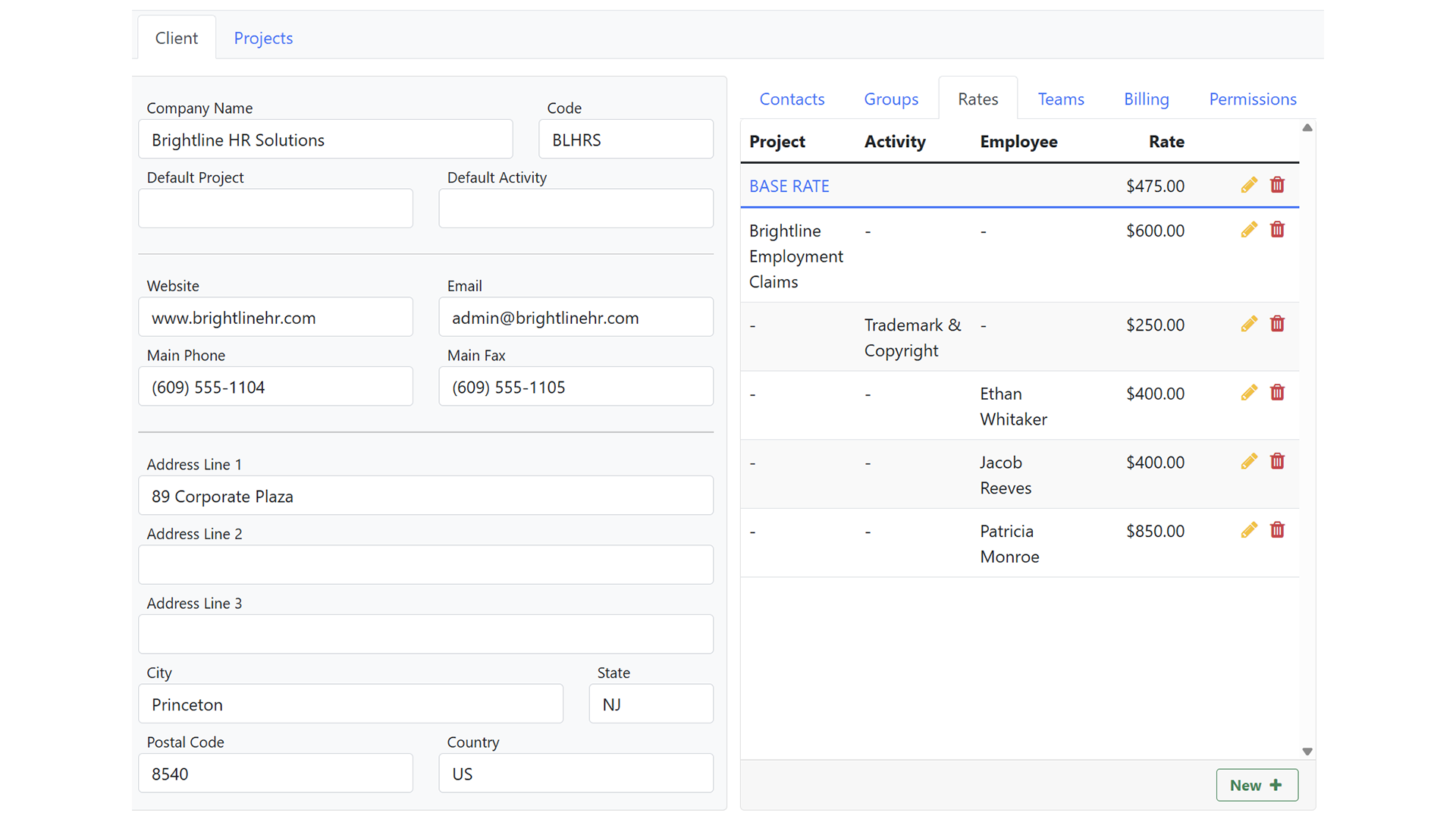
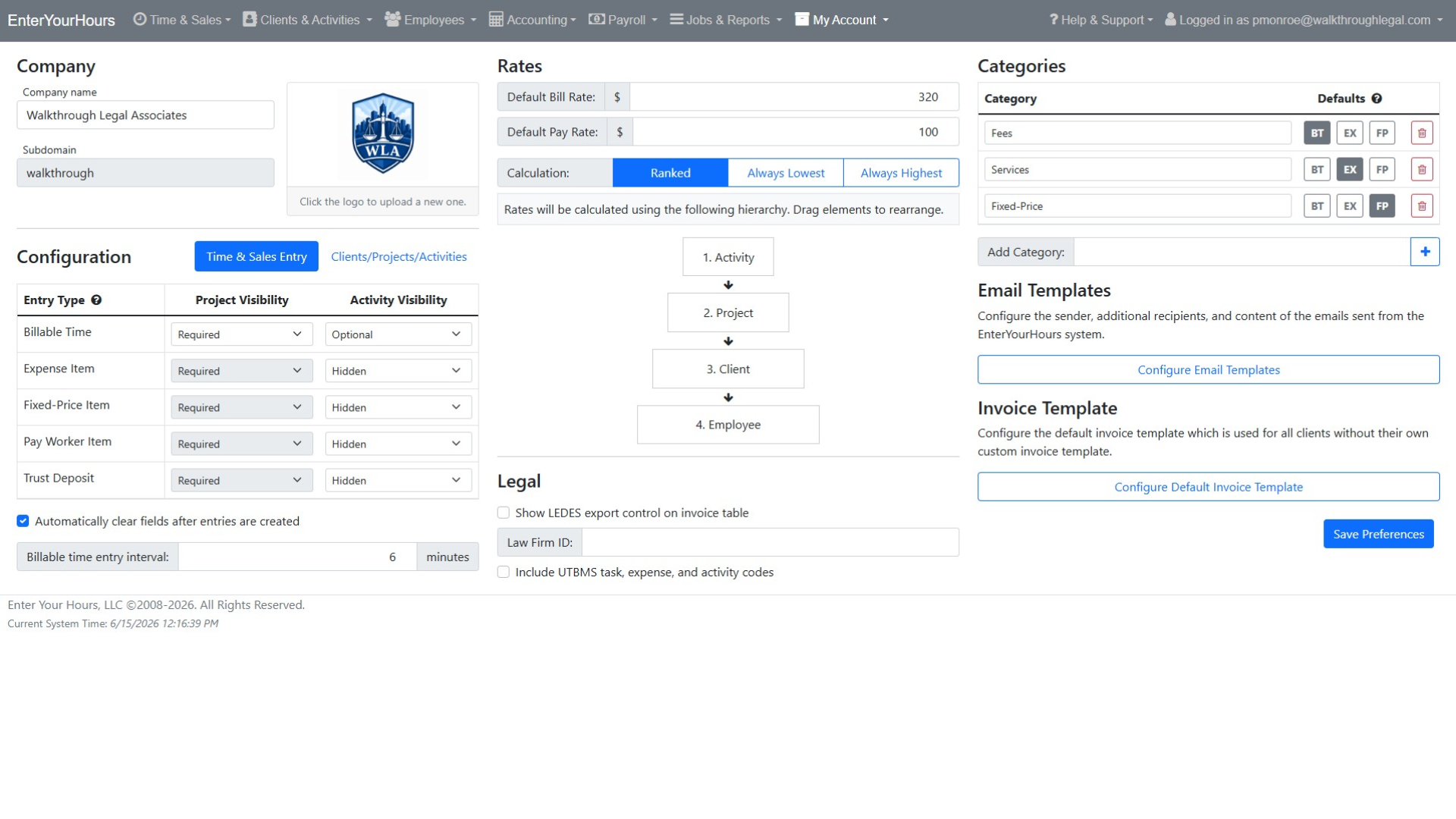
Attach bill and pay rates to roles like CRA, Sr. CRA, and Clin Ops Lead, to a sponsor or study, or to one monitor; Rate Behavior settles conflicts. Contract CRAs show margin from the first entry.

Hours, Units, and Pass-Throughs on One Invoice

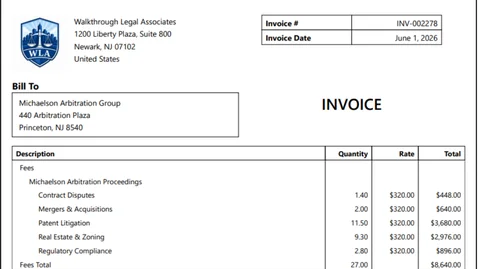
Time and expense tracking software for CROs that bills the whole contract: hourly monitoring as time, per-visit fees as fixed-price items, and travel as expenses, with receipts attached through SmartAttach.

AI Audit
Prevention Engine

Before a sponsor invoice goes out, AI audits flag duplicate entries, wrong study or site assignments, thin descriptions, and billing rule violations. Questions get answered in your review, not the sponsor’s.

Invoices That Survive Sponsor Review

Monitoring hours are earned one site call, one visit at a time — then a sponsor reconciles every line. EYH is CRO time tracking software that organizes hours by sponsor, study, and site, prices every entry by role, and bills time, units, and pass-throughs on one invoice. Bring one study and see.

Powerful Time Tracking & Billing Features

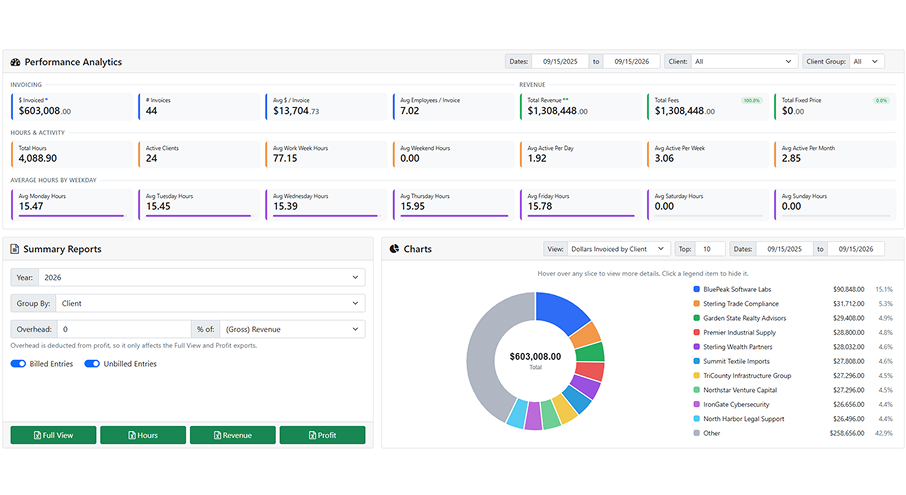
EnterYourHours combines intelligent time tracking, billing automation, invoicing, reporting, and workflow management into one centralized platform for professional services firms.

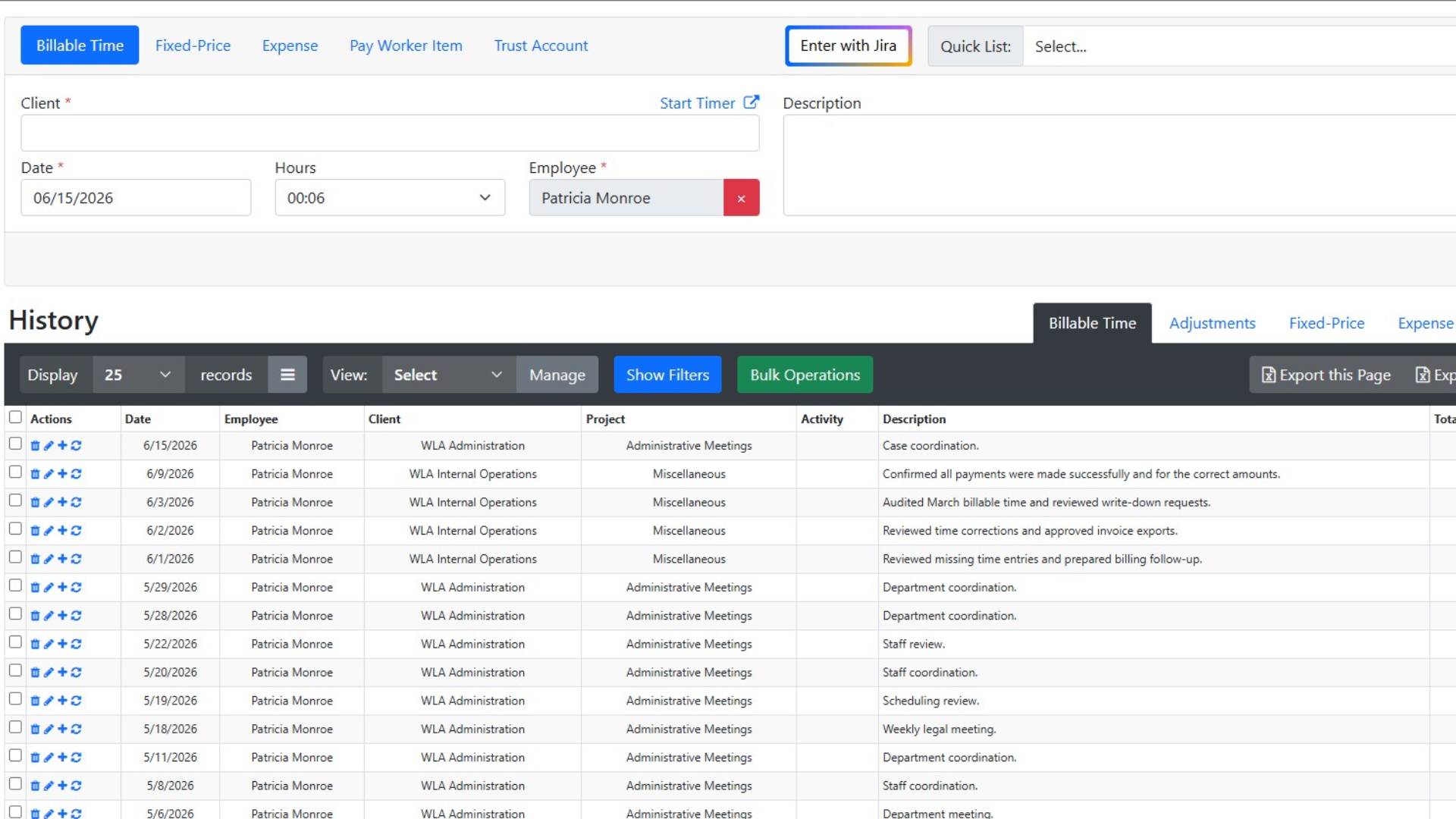
Track billable and non-billable hours quickly with a streamlined time entry experience. Use recurring entries, or leverage AI-assisted workflows to improve accuracy and reduce missed billable hours.
Simple, Transparent Pricing

Choose the perfect plan for your business needs.

$0 per employee / yr FREE

Up to 3 employees

Save 12%

$24.64 per employee / mo (paid yearly) PREMIUM

Everything in Free, plus:

Save 12%

$46.64 per employee / mo (paid yearly) ENTERPRISE

Everything in Premium, plus:

Trusted by Firms Like Yours

Hear from professionals who’ve transformed their billing process with EnterYourHours.

Time Tracking & Billing FAQs

Get answers about features, integrations, security, pricing, and switching to EnterYourHours.

Can EnterYourHours handle both hourly and fixed-fee engagements on the same invoice?

+

Yes. Billable time, expenses, and fixed-price items are separate entry types that flow into the same bill batch and invoice. Invoice templates control how each type is labeled, ordered, and grouped, so a tax-prep fixed fee and hourly advisory work can appear on one clean invoice.

Does EnterYourHours sync with QuickBooks?

+

EnterYourHours integrates with QuickBooks Desktop through the QuickBooks Web Connector or online directly on the platform. Invoices and payments can be sent to QuickBooks, payments recorded in QuickBooks can be imported back, and customer, invoice, and payment mappings are managed from inside EnterYourHours so the two systems stay aligned. Explore the tools we integrate with.

Can we lock a billing period so entries don't change after we've reconciled?

+

Yes. Once entries are placed in a bill batch they are locked, and once they are invoiced, paid, or settled they stay locked. Rate changes made later do not retroactively alter existing entries. If something legitimately needs to change, users with the right permission can remove the record from the batch or use bulk operations.

How does EnterYourHours handle client trust or retainer balances?

+

Trust account items are a native entry type. Deposits and draws are recorded against the client, visible in the client's history and balance overview, and reviewable alongside invoices and payments in the Accounting section.

How can AI improve time tracking and billing?

+

AI can improve billing accuracy by identifying missing entries, unusual billing activity, incorrect assignments, description issues, and potential billing-rule violations before invoices are finalized. EnterYourHours also supports AI-assisted note generation and lets users ask plain-language questions about their billing data. This helps firms identify unbilled work, delayed entries, operational inefficiencies, and unprofitable work without manually building reports.

Can time and billing software organize invoices and supporting documents?

+

Yes. EnterYourHours includes SmartAttach document management to help firms organize invoices, billing records, client documents, and supporting materials securely. This keeps important documentation connected to the billing workflow and reduces the need to manage files across disconnected systems.

Will EnterYourHours be difficult for employees to learn?

+

EnterYourHours is designed to make everyday time tracking and billing tasks straightforward. Employees can quickly enter billable and non-billable time, use recurring entries, and access mobile-friendly workflows. Role-based permissions keep each user's experience focused on the tools and information needed for their responsibilities.

Is my billing data secure, and who owns it?

+

Yes. EnterYourHours encrypts your data in transit and at rest, isolates it by firm, maintains continuous backups, and protects access through role-based permissions and industry-standard security practices. Your firm owns all data stored in EnterYourHours, including client information, time entries, invoices, and payment history. You can export your data in standard formats at any time without an exit fee. Your data is never sold to third parties.

How difficult is it to switch from our current time and billing software?

+

EnterYourHours makes switching straightforward. Our onboarding team works with you to migrate your clients, projects, employees, rates, and open balances. We can also run your first billing cycle alongside your current system to help ensure nothing is missed during the transition. Most firms complete the switch within one billing cycle.

How much does EnterYourHours cost, and what is included in each plan?

+

EnterYourHours offers three per-user plans billed monthly or annually:

  • Free Plan: Free for up to three users. It includes time tracking, timers, reporting, and rate management but does not include invoice generation.
  • EnterYourHours Premium: $24.64 per user per month when billed annually. It includes everything in the Free Plan, plus complete invoicing, standard integrations, and all AI-powered features. It is designed to meet the needs of most firms.
  • EnterYourHours Enterprise: $46.64 per user per month when billed annually. It includes everything in Premium, plus advanced integrations and dedicated phone support for larger organizations that need deeper connectivity and direct assistance.

You can also change plans as your firm grows or its needs change. Click here to learn more.