


enter Your Hours

Time and Billing Software for
Government Contractors

Daily time, controlled charge codes, documented corrections. Timekeeping that holds up when DCAA walks in.

Your Timesheets Are Your Audit Defense

EnterYourHours is time tracking for government contractors built around the habits DCAA tests: daily entry, the right charge code, and a reason for every change.

Timesheets Rebuilt on Friday

A week reconstructed from memory fails the floor check. Timers, required fields, and a creation timestamp on every entry make daily time the easy path.

Corrections Without a Paper Trail

A silently edited hour is an audit finding. Every change is logged to a user and a time, and adjustments keep the original hours and the reason beside the correction.

Direct and Indirect Labor Blur Together

Overhead, G&A, and B&P need their own codes, and every hour needs recording. DCAA timekeeping software should make total time accounting visible by employee and day.

Why Government Contractors Use EYH for Time and Billing

Charge Codes Employees Can’t Miss

Client, project, and activity are the charge code on every entry. Activity Mapping and team restrictions mean each employee sees only their own contracts and indirect pools; the wrong code is not on the list.

Every Change Logged, Every Correction Explained

Edits record who changed an entry and when. Adjust Billable Time keeps the original hours and the reason beside each correction. Batched, billed, and paid entries lock, so hours never quietly change.

Total Time Accounting
at a Glance

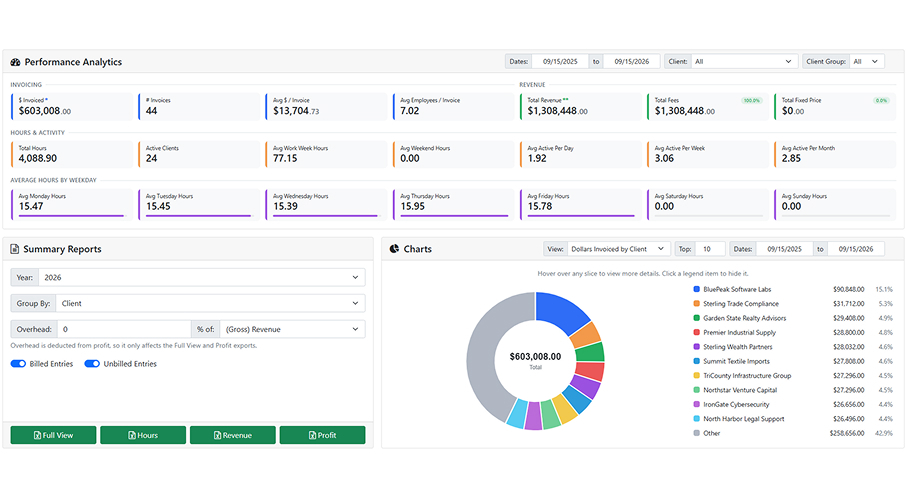
The Time Summary shows every employee’s direct and indirect hours by day against daily and weekly targets, so uncompensated overtime and flat 40-hour weeks surface mid-cycle, not in the audit.

Certification Built
Into Billing

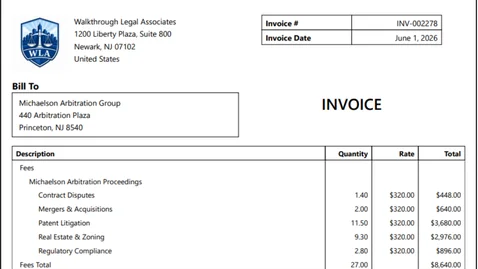
Timesheet software for federal contractors where one person can hold the bill batch permission and EYH logs who certified each period. Invoice lines trace to the entries behind them, and payroll batches report labor cost from the same hours.

Built for the Floor Check

DCAA doesn’t certify software. It audits whether your people record time daily, to the right code, with every change explained. EYH is government contractor time tracking software that makes those habits the default — controlled charge codes, logged corrections, a certifying batch step, and reports that trace from timesheet to invoice.

Powerful Time Tracking & Billing Features

EnterYourHours combines intelligent time tracking, billing automation, invoicing, reporting, and workflow management into one centralized platform for professional services firms.

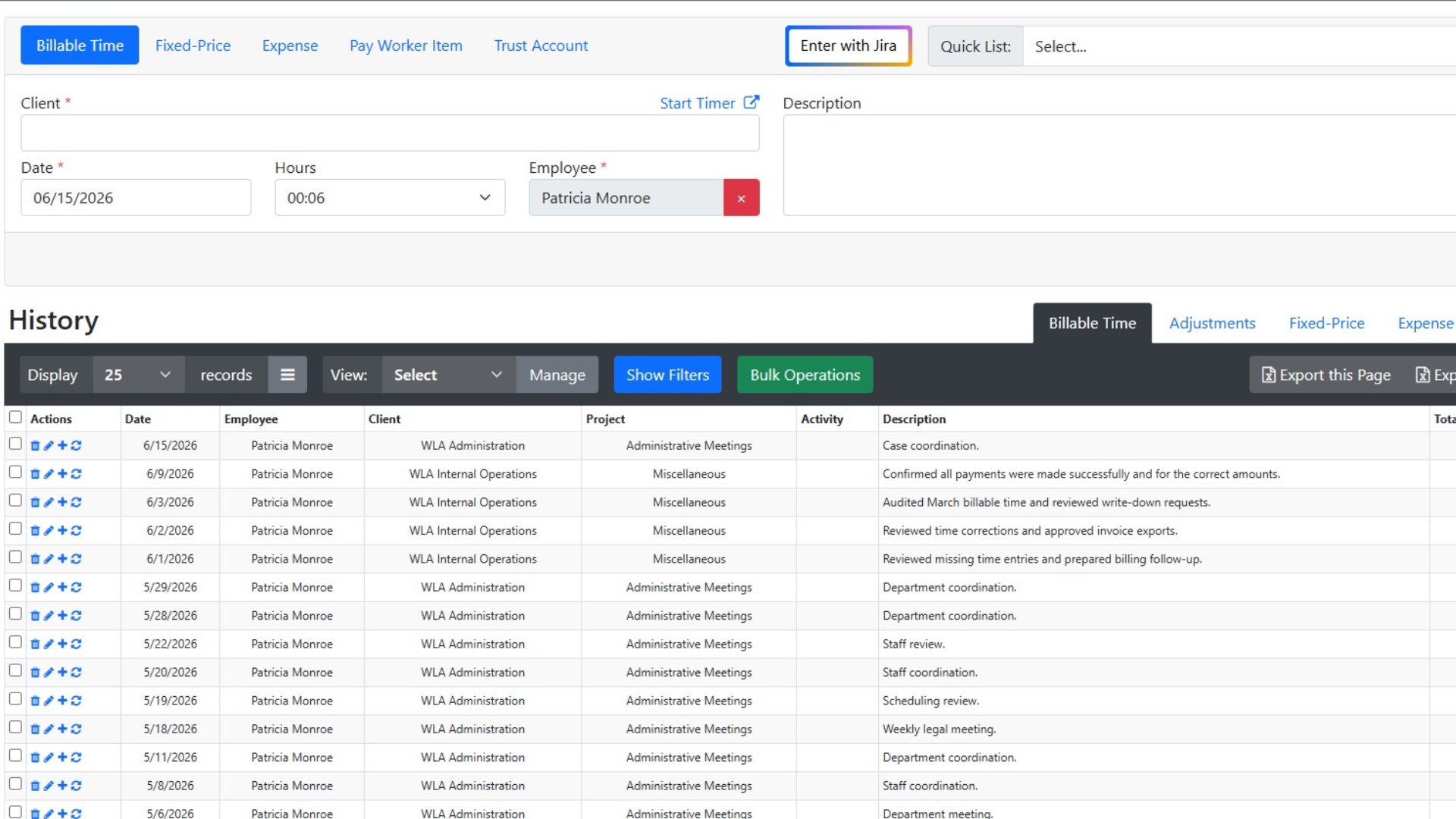
Track billable and non-billable hours quickly with a streamlined time entry experience. Use recurring entries, or leverage AI-assisted workflows to improve accuracy and reduce missed billable hours.
Simple, Transparent Pricing

Choose the perfect plan for your business needs.

$0 per employee / yr FREE

Up to 3 employees

Save 12%

$24.64 per employee / mo (paid yearly) PREMIUM

Everything in Free, plus:

Save 12%

$46.64 per employee / mo (paid yearly) ENTERPRISE

Everything in Premium, plus:

Trusted by Firms Like Yours

Hear from professionals who’ve transformed their billing process with EnterYourHours.

Time Tracking & Billing FAQs

Get answers about features, integrations, security, pricing, and switching to EnterYourHours.

Can crews enter time from the field?

+

Yes. EnterYourHours is browser-based and works on phones and tablets, or users can enter time directly from the app. Workers can start a timer against a job or enter hours after the fact, and Quick List saved descriptions cut typing on repetitive work.

Can we track job costs, expenses, and pay on the same job?

+

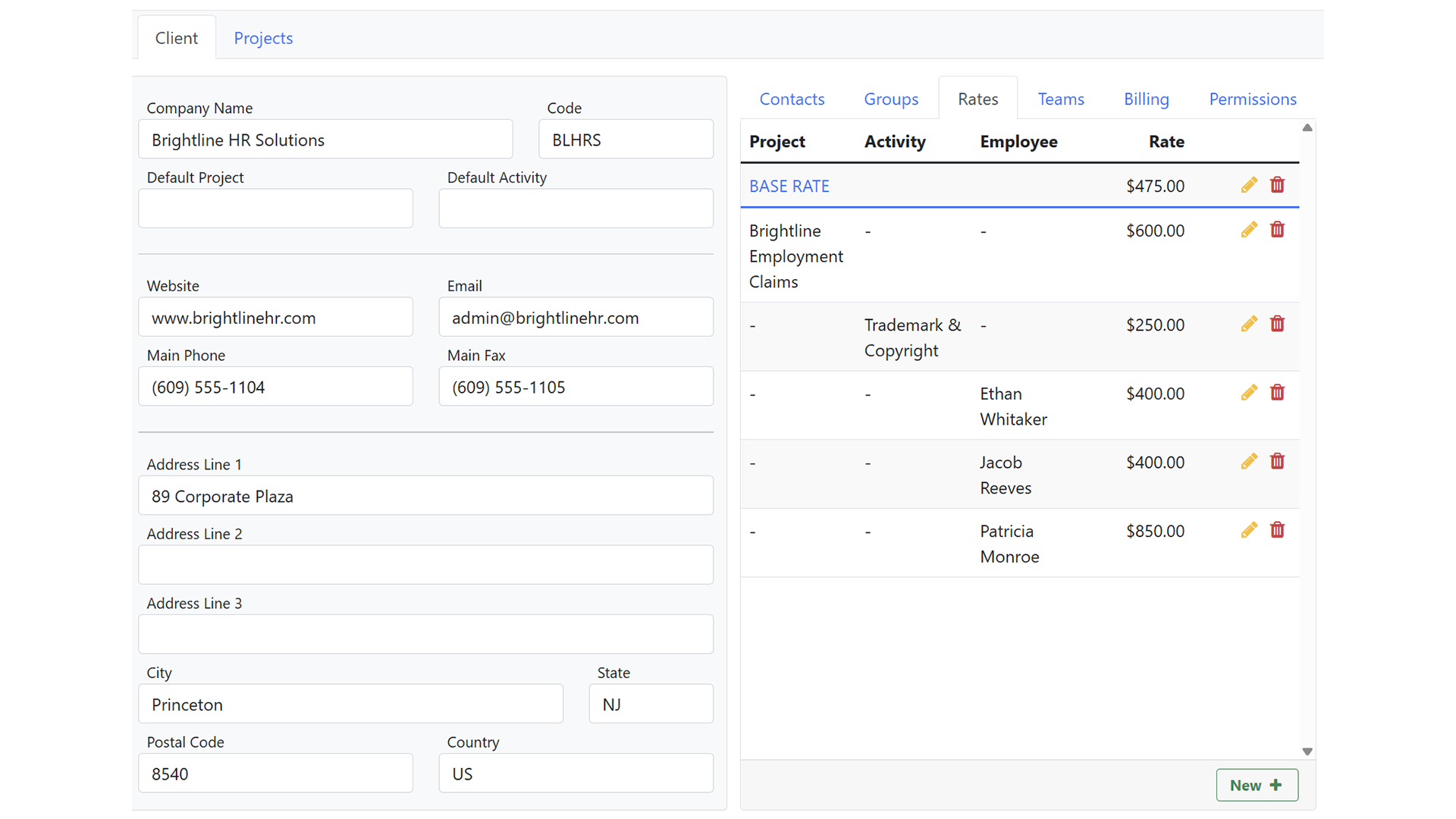
Yes. Each job (project) carries billable time, expenses, fixed-price items, and pay worker items. Bill rates and pay rates are separate, so you can see what a job bills versus what it costs in labor.

Can we attach receipts, photos, and change orders to a job or invoice?

+

Yes. SmartAttach lets you attach and label documents to time entries, expenses, clients, jobs, workers, and invoices. Each account has an inbound email address — forward a receipt or photo and it queues for approval and filing, with subject line rules that can pre-assign it. When you invoice, choose whether supporting documents go out with it.

How does EnterYourHours handle contractor pay?

+

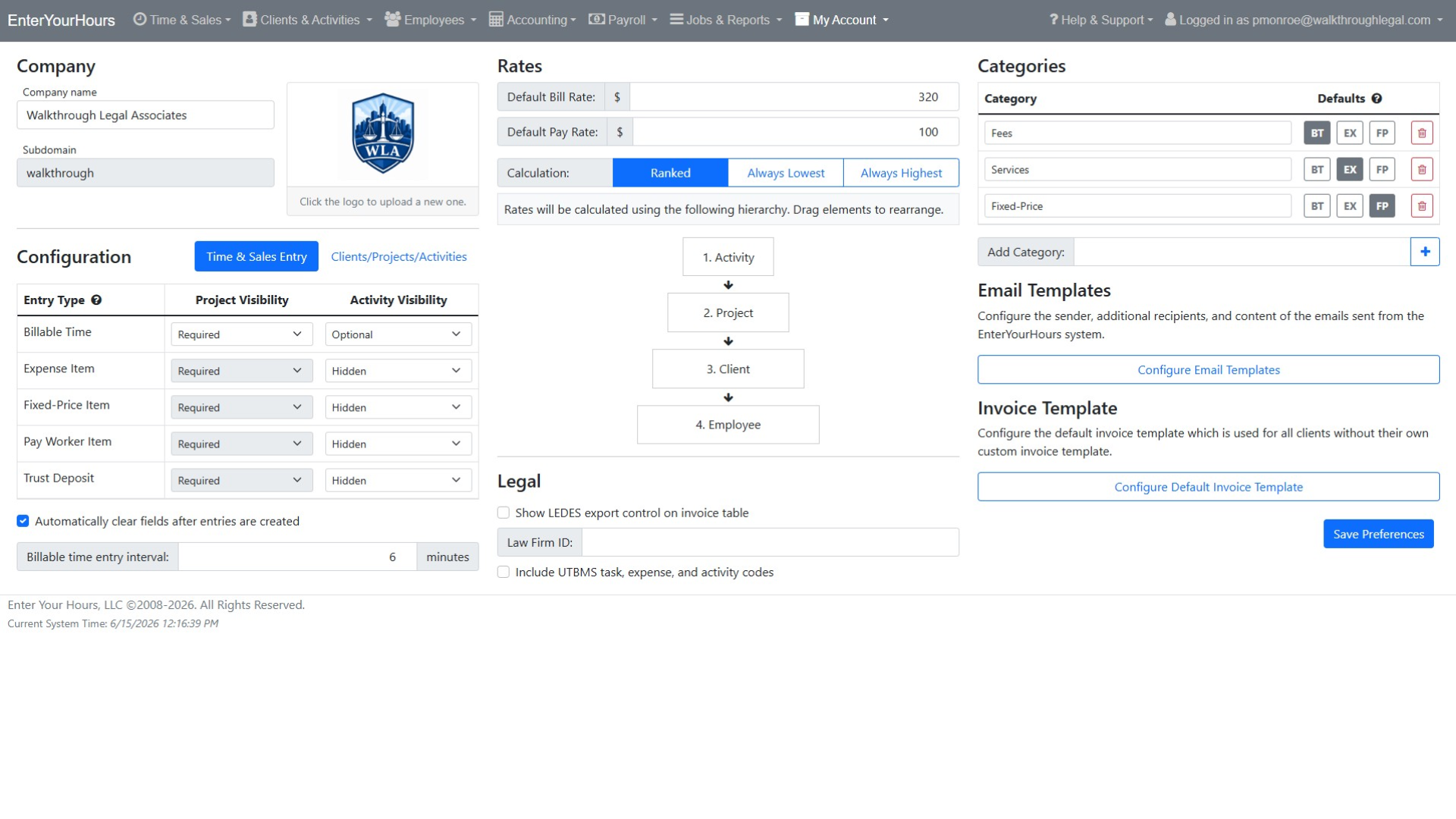
Pay rates are set per worker, project, or activity, and payroll batches group time, expenses, and pay worker items into a reviewable pay run. Batches can be exported for your payroll provider, and batched entries are locked so the numbers don't drift after review.

How can AI improve time tracking and billing?

+

AI can improve billing accuracy by identifying missing entries, unusual billing activity, incorrect assignments, description issues, and potential billing-rule violations before invoices are finalized. EnterYourHours also supports AI-assisted note generation and lets users ask plain-language questions about their billing data. This helps firms identify unbilled work, delayed entries, operational inefficiencies, and unprofitable work without manually building reports.

Can time and billing software organize invoices and supporting documents?

+

Yes. EnterYourHours includes SmartAttach document management to help firms organize invoices, billing records, client documents, and supporting materials securely. This keeps important documentation connected to the billing workflow and reduces the need to manage files across disconnected systems.

Will EnterYourHours be difficult for employees to learn?

+

EnterYourHours is designed to make everyday time tracking and billing tasks straightforward. Employees can quickly enter billable and non-billable time, use recurring entries, and access mobile-friendly workflows. Role-based permissions keep each user's experience focused on the tools and information needed for their responsibilities.

Is my billing data secure, and who owns it?

+

Yes. EnterYourHours encrypts your data in transit and at rest, isolates it by firm, maintains continuous backups, and protects access through role-based permissions and industry-standard security practices. Your firm owns all data stored in EnterYourHours, including client information, time entries, invoices, and payment history. You can export your data in standard formats at any time without an exit fee. Your data is never sold to third parties.

How difficult is it to switch from our current time and billing software?

+

EnterYourHours makes switching straightforward. Our onboarding team works with you to migrate your clients, projects, employees, rates, and open balances. We can also run your first billing cycle alongside your current system to help ensure nothing is missed during the transition. Most firms complete the switch within one billing cycle.

How much does EnterYourHours cost, and what is included in each plan?

+

EnterYourHours offers three per-user plans billed monthly or annually:

  • Free Plan: Free for up to three users. It includes time tracking, timers, reporting, and rate management but does not include invoice generation.
  • EnterYourHours Premium: $24.64 per user per month when billed annually. It includes everything in the Free Plan, plus complete invoicing, standard integrations, and all AI-powered features. It is designed to meet the needs of most firms.
  • EnterYourHours Enterprise: $46.64 per user per month when billed annually. It includes everything in Premium, plus advanced integrations and dedicated phone support for larger organizations that need deeper connectivity and direct assistance.

You can also change plans as your firm grows or its needs change. Click here to learn more.

Start Free Trial