


enter Your Hours

Time and Billing Software for Your Accounting Department

Billed, collected, and reconciled should be three views of the same numbers.

The Numbers Live in Too Many Places

Revenue is in the billing tool, cash is in the bank, the ledger in between. EYH keeps billing, payments, and accounting in agreement.

Reconciliation Is a Scavenger Hunt

Invoices, payments, and client balances live in one system that syncs with your ledger, so month-end is a review, not an investigation.

Nobody Knows What's Outstanding

Real-time balances by client show what is billed, paid, and overdue without building a report or asking the billing team.

Payments Don't Match Invoices

Record a payment once and distribute it across invoices with full history, so partial payments and lump sums stop breaking your AR.

Why Accounting Departments Use EYH for Time and Billing

QuickBooks
Desktop Sync

Send invoices and payments to QuickBooks, import payments back, and keep customers and items mapped. Your invoice and billing software and your ledger stop drifting apart.

Client Balances
at a Glance

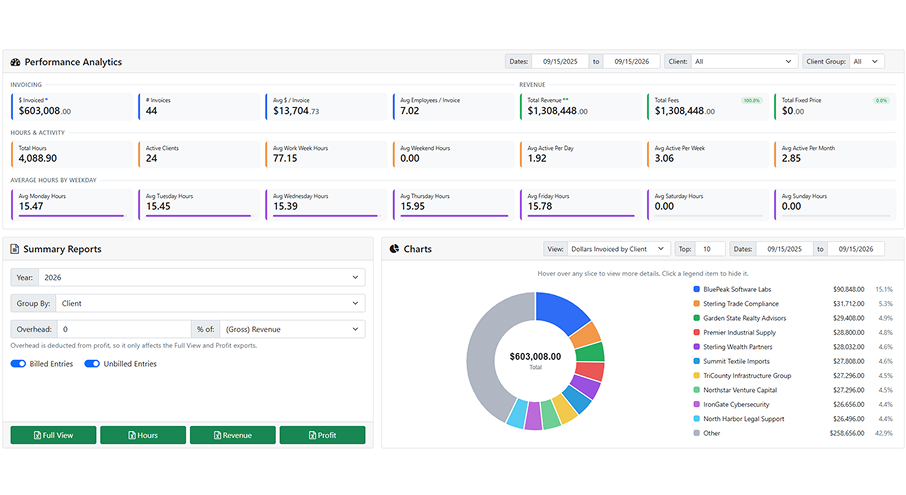
See unbatched, batched, invoiced, paid, and outstanding amounts by client on one screen, with the entries behind every number one click away. AR review starts with facts.

Payments That
Distribute Cleanly

Process a payment once and spread it across any number of invoices, with method, date, and history preserved. Partial payments and retainer draws stay clean and reconcilable.

Invoicing Categories
for the GL

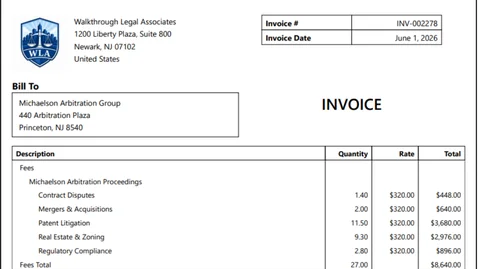
Map billing records to your own invoice categories so revenue arrives pre-classified for the general ledger. Less recoding, cleaner postings, and a faster close every month.

Billed, Collected, Reconciled, and Agreed

Month-end shouldn’t be an investigation. EYH is invoice and billing software that keeps client balances, payments, and your general ledger in agreement, with QuickBooks sync and GL-ready invoice categories, so close is a review of numbers that already match.

Powerful Time Tracking & Billing Features

Enter Your Hours combines intelligent time tracking, billing automation, invoicing, reporting, and workflow management into one centralized platform for professional services firms.

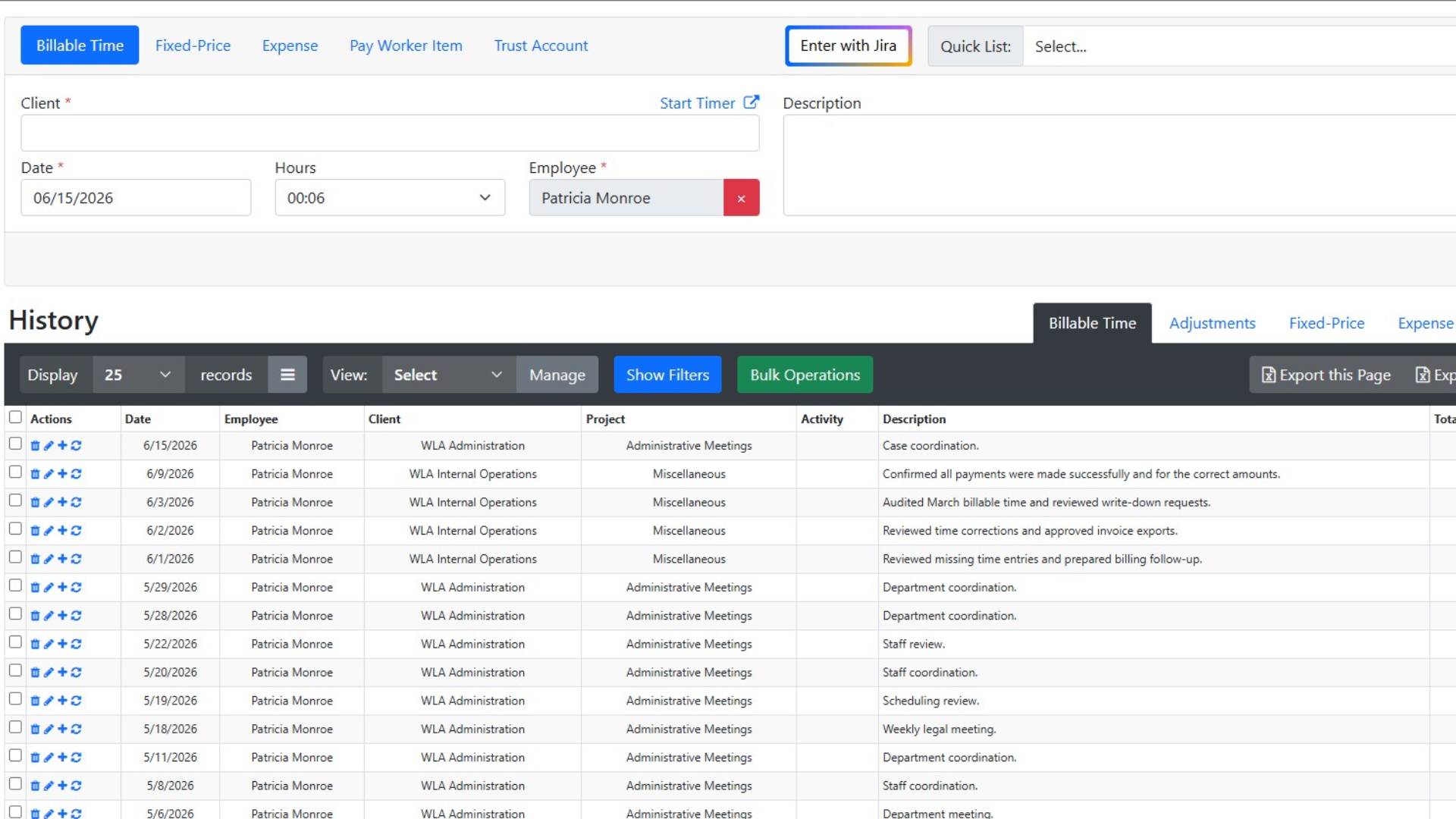
Track billable and non-billable hours quickly with a streamlined time entry experience. Use recurring entries, or leverage AI-assisted workflows to improve accuracy and reduce missed billable hours.
Simple, Transparent Pricing

Choose the perfect plan for your business needs.

$0 per employee / yr FREE

Up to 3 employees

Save 12%

$24.64 per employee / mo (paid yearly) PREMIUM

Everything in Free, plus:

Save 12%

$46.64 per employee / mo (paid yearly) ENTERPRISE

Everything in Premium, plus:

Trusted by Firms Like Yours

Hear from professionals who’ve transformed their billing process with EnterYourHours.

Time Tracking & Billing FAQs

Get answers about features, integrations, security, pricing, and switching to EnterYourHours.

How does EnterYourHours fit with our general ledger?

+

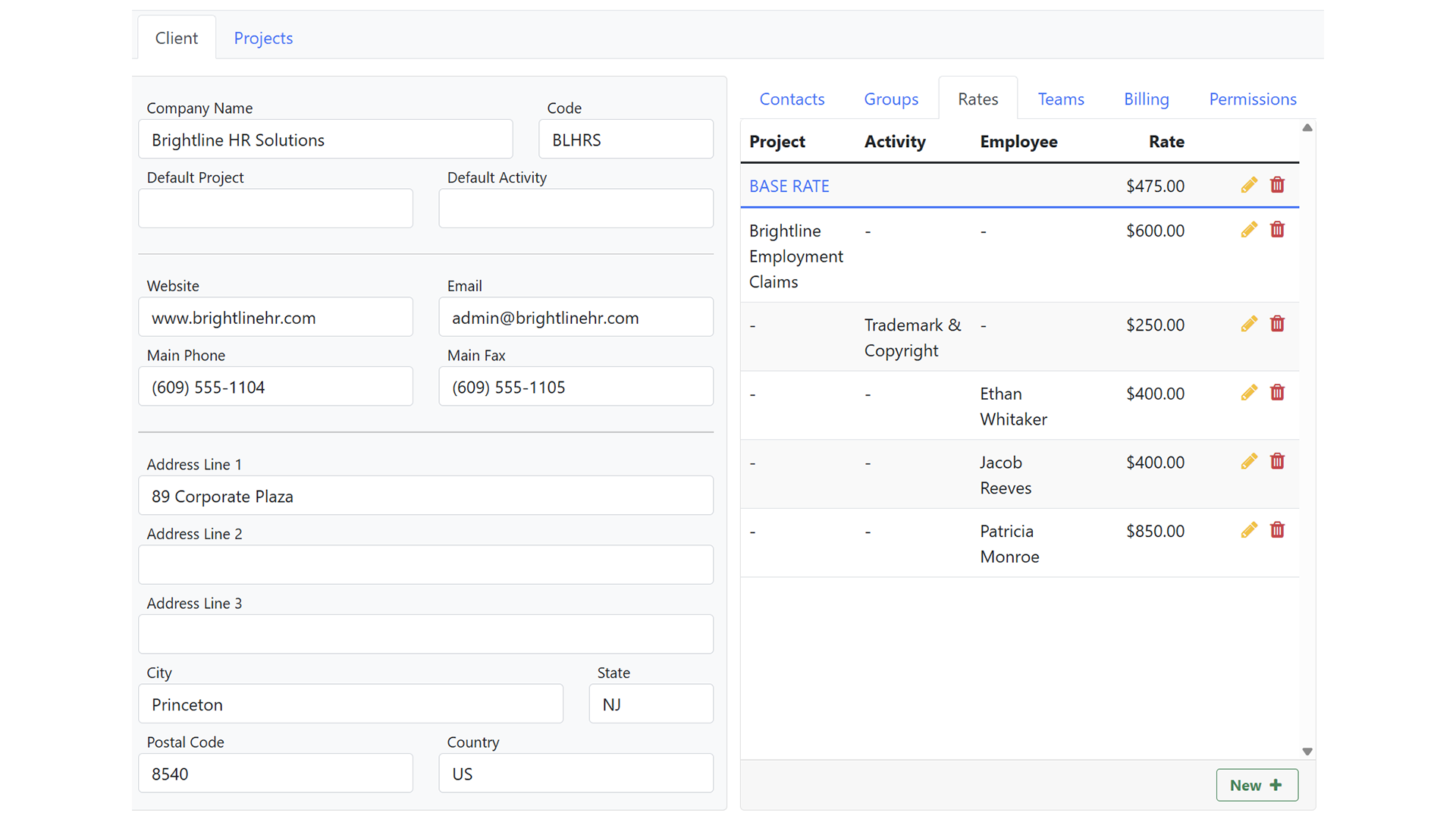
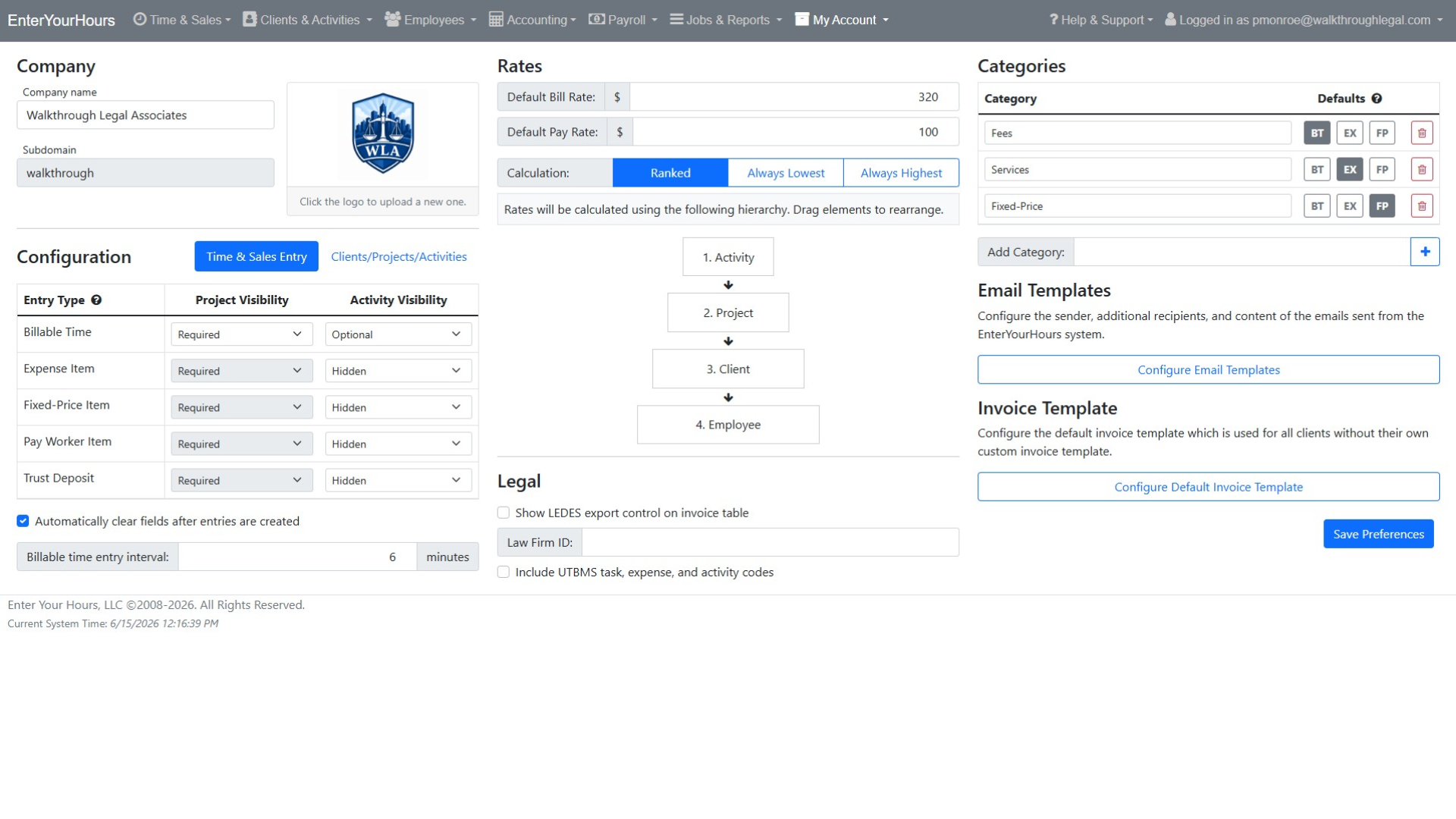
Invoices and payments sync to QuickBooks Desktop through the Web Connector, and payments recorded in QuickBooks import back to keep invoice balances aligned. Invoicing categories map billing records to the accounts you use, with defaults per billing type and overrides at the project or activity level.

Can we reconcile without pulling data into spreadsheets?

+

Client profiles show invoices, payments, applied amounts, remaining balances, and status in one place. Invoice and payment tables export to Excel with the same fields shown on screen when you do need to take something offline.

How are period-end entries protected from later changes?

+

Bill batches lock billable records; payroll and settlement batches lock pay records. Once invoiced, paid, or settled, entries stay locked unless removed from the batch through a permitted workflow. Later rate changes do not touch existing entries.

Can we run payroll and billing from the same data?

+

Yes. The same time entries feed both. Bill rates drive invoices; pay rates drive payroll batches. The two are set and permissioned separately, so the billing team never needs to see pay data and vice versa.

How can AI improve time tracking and billing?

+

AI can improve billing accuracy by identifying missing entries, unusual billing activity, incorrect assignments, description issues, and potential billing-rule violations before invoices are finalized. EnterYourHours also supports AI-assisted note generation and lets users ask plain-language questions about their billing data. This helps firms identify unbilled work, delayed entries, operational inefficiencies, and unprofitable work without manually building reports.

Can time and billing software organize invoices and supporting documents?

+

Yes. EnterYourHours includes SmartAttach document management to help firms organize invoices, billing records, client documents, and supporting materials securely. This keeps important documentation connected to the billing workflow and reduces the need to manage files across disconnected systems.

Will EnterYourHours be difficult for employees to learn?

+

EnterYourHours is designed to make everyday time tracking and billing tasks straightforward. Employees can quickly enter billable and non-billable time, use recurring entries, and access mobile-friendly workflows. Role-based permissions keep each user's experience focused on the tools and information needed for their responsibilities.

Is my billing data secure, and who owns it?

+

Yes. EnterYourHours encrypts your data in transit and at rest, isolates it by firm, maintains continuous backups, and protects access through role-based permissions and industry-standard security practices. Your firm owns all data stored in EnterYourHours, including client information, time entries, invoices, and payment history. You can export your data in standard formats at any time without an exit fee. Your data is never sold to third parties.

How difficult is it to switch from our current time and billing software?

+

EnterYourHours makes switching straightforward. Our onboarding team works with you to migrate your clients, projects, employees, rates, and open balances. We can also run your first billing cycle alongside your current system to help ensure nothing is missed during the transition. Most firms complete the switch within one billing cycle.

How much does EnterYourHours cost, and what is included in each plan?

+

EnterYourHours offers three per-user plans billed monthly or annually:

  • Free Plan: Free for up to three users. It includes time tracking, timers, reporting, and rate management but does not include invoice generation.
  • EnterYourHours Premium: $24.64 per user per month when billed annually. It includes everything in the Free Plan, plus complete invoicing, standard integrations, and all AI-powered features. It is designed to meet the needs of most firms.
  • EnterYourHours Enterprise: $46.64 per user per month when billed annually. It includes everything in Premium, plus advanced integrations and dedicated phone support for larger organizations that need deeper connectivity and direct assistance.

You can also change plans as your firm grows or its needs change. Click here to learn more.